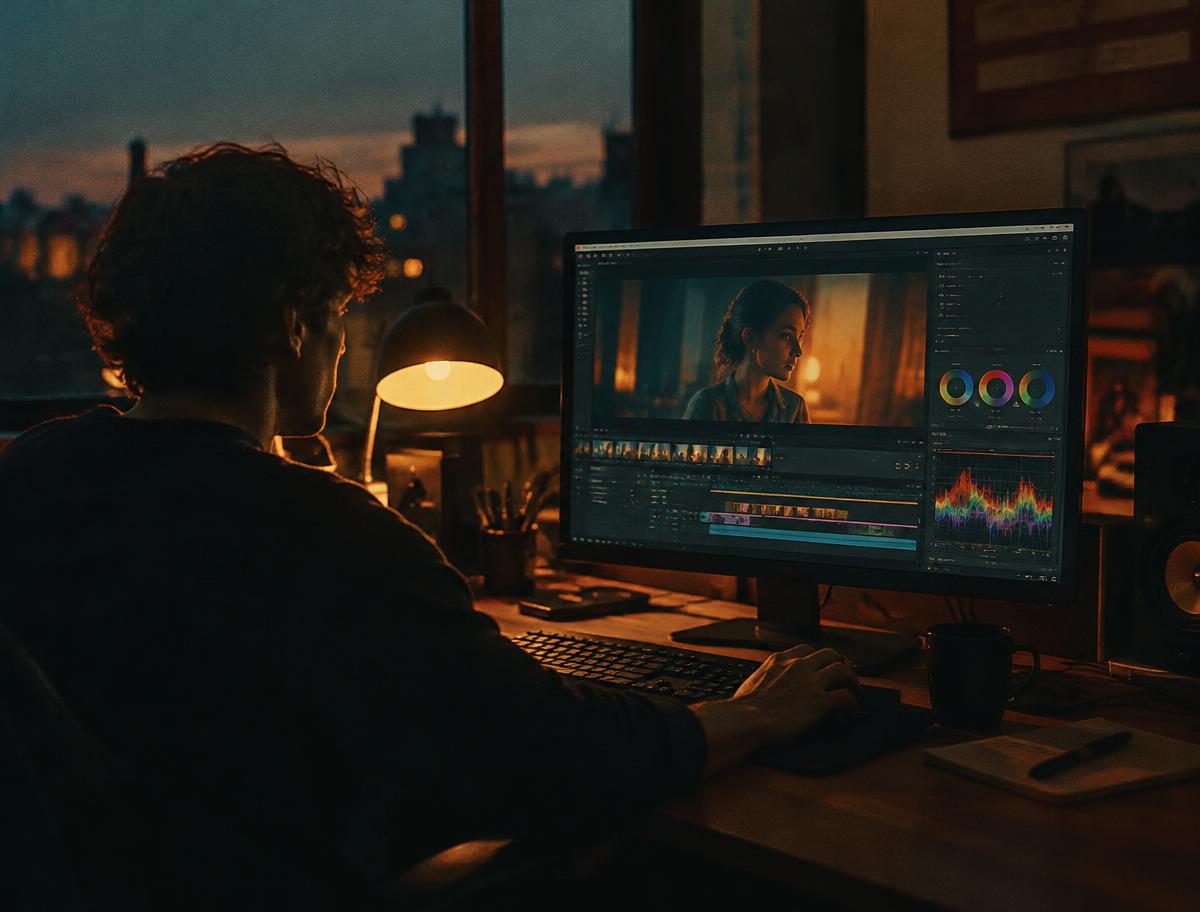
Grading is two jobs: correction (making footage accurate) and creative look (making it feel a certain way). Always do them in that order, and on every shot before you touch the look.
01Build a node tree you reuse
Use the same structure on every clip: exposure, white balance, saturation, then a conversion LUT at the end. Consistency in structure is what makes shots match quickly.
02Correct with scopes, not eyes
Your eyes adapt in minutes. Set black and white points with the waveform and neutralise colour using the parade on something white or grey in frame.
03Match before you style
Pick a hero shot for each scene, then match every other shot to it using split-screen. Skin tones should sit on the vectorscope's skin line.
04Then add the look
Apply the look on a group or timeline node: shadows slightly teal, highlights slightly warm, greens desaturated. Keep it subtle — a grade should serve the story, not announce itself.
05Export and check elsewhere
Watch the final export on a phone and a TV. If it looks wrong on both, your monitor is lying to you.
Was this guide helpful?
Ask about this guide
Written by
Daniel Reyes
Independent cinematographer and colourist who has shot short films, music videos and brand documentaries. Daniel leads our videography coverage.