



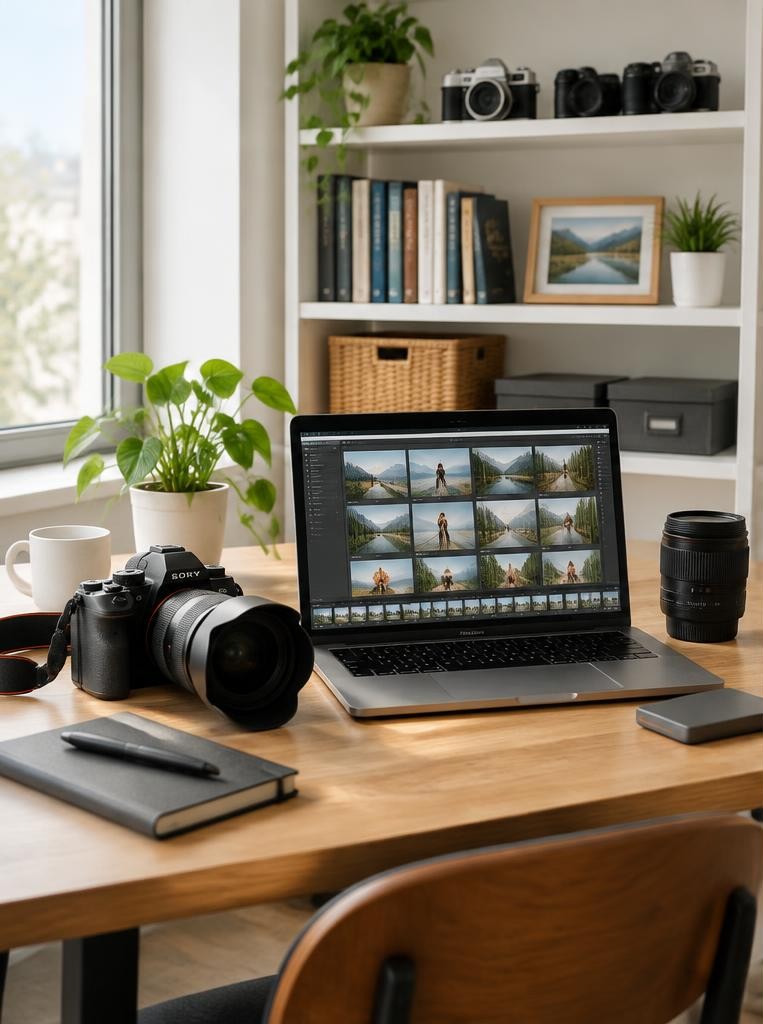
You can start a photography business from home without turning your home into a client-facing studio. Decide first what you will sell and how you will serve clients: perhaps portraits photographed at parks and client homes, product images made at a small tabletop setup, or editing and print sales from a home office. Your service determines your equipment, workspace, travel, privacy and insurance needs. Write a one-sentence offer that names a customer, an outcome and a delivery format. For example: “I photograph small-business products on location and deliver a curated set of web-ready images.” Keep this distinct from an equipment wish list. A camera upgrade is not a business model.
01Test demand before building a studio
Research prospective customers and alternatives before committing money. List the kinds of clients you could reach, what they need, what nearby photographers offer and what clients say is missing.
Ask a few potential customers about their buying process and decision criteria; treat compliments as conversation, not proof that a paid service will sell.
The U.S. Small Business Administration recommends market research and competitive analysis as planning steps.
Its guidance is U.S.-specific, but the underlying questions—demand, audience, alternatives and pricing—are useful anywhere.
A simple test is to describe one defined package and invite a small number of relevant people to discuss a real project. Do not promise results or quote a fee you have not calculated.
02Check local rules before operating at home
Home-based does not mean rule-free. Requirements depend on where you live, your business activity and whether clients, employees, deliveries or signs come to the property.
Check municipal or regional business registration, tax, zoning, lease or building rules, and any home-occupation conditions before welcoming customers or installing a permanent studio. Ask the relevant authority rather than relying on a general online checklist.
The SBA notes that location affects taxes, zoning and regulation, and that zoning rules can apply to home-based businesses. This is a U.S. source; elsewhere, use your own local government and tax authority.
Licensing rules vary by place and activity, so do not assume every photographer needs the same permit—or none.
03Choose a workspace that fits the work
A desk-based editing and administration setup needs different space from a portrait studio. For editing, prioritise a stable computer, calibrated-enough viewing conditions for your output, secure storage, comfortable seating and controlled backups.
For product photography, a small table, background support, repeatable light and room to move objects may be enough. For portraits, consider ceiling height, working distance, light control, ventilation and safe client access before buying stands or backdrops.
Measure the usable area, including clearance for doors, cables and equipment. Make a floor sketch and test the workflow with borrowed or existing gear.
A room that looks spacious in a wide-angle phone photo may be cramped when a light stand, subject and camera are in place.
04Separate household and business routines

Set boundaries so client work does not take over every room or hour. Use a dedicated calendar, a consistent work block and a clear place for memory cards, batteries, receipts and signed documents.
Keep client files away from shared family devices and avoid showing personal items, addresses or screens in portfolio images.
If you photograph clients at home, consider their arrival, accessibility, privacy, parking and whether household members or pets will be present. If those details are difficult, make the home your administrative base and meet clients elsewhere.
A polished service can be entirely location-based; a home studio is optional.
05Build a lean business budget
List one-time purchases separately from recurring costs. Possible categories include camera and lighting, computer and storage, software, website, payment processing, transport, packaging, insurance, training and professional advice.
Price the specific workflow you plan to sell, not an imaginary full-service studio. Include maintenance and replacement planning; a single hard drive is not a backup strategy.
An illustrative calculation: if a small product setup needs a background, two lights and support, first price a minimal usable arrangement and test it. Add equipment only when a paid assignment or a clearly validated need justifies it.
The figures depend on your market, currency and existing equipment; no universal startup total applies.
06Set up the client journey
Create a repeatable path from enquiry to delivery: respond, clarify the brief, agree scope and usage, confirm date and payment terms, prepare, photograph, edit, deliver and archive. Use a written agreement appropriate to your jurisdiction and service.
Clarify the number and format of deliverables, revisions, cancellation terms, image use, payment timing and what happens if circumstances change. For legal wording, consult a qualified local professional.
Organise project folders consistently and maintain at least one separate backup. Protect contact details and images, limit access and set a reasonable retention process.
Privacy and data-protection obligations differ by jurisdiction and can depend on the information collected and tools used.
07Make a portfolio that proves the offer
Show a small, coherent selection that resembles the work you want to book. If you want product clients, demonstrate product lighting and consistent colour; if you want family portraits, show varied people and settings.
Label personal or practice work honestly. Do not imply a test shoot was a paid client commission, and obtain permission before publishing recognizable people or private property where required.
Build a clear contact page with your service area or working arrangement, an enquiry method and realistic information about the process. Keep the portfolio focused.
A gallery of every photograph you like can make it harder for a prospective client to understand what you actually offer.
08Find clients without pretending to have a storefront
Begin with people and organisations relevant to the offer: local makers, community groups, small businesses or families who need the service. Ask satisfied clients for permission to share work or a genuine review; never manufacture testimonials.
Maintain a profile or listing only when you meet that platform’s eligibility and address rules. Google, for example, says eligible businesses must make in-person contact with customers and provides distinct instructions for service-area businesses.
A home address may be private or unsuitable for public display. Check platform rules and local privacy implications before publishing it.
Avoid creating duplicate profiles, inaccurate service areas or a misleading studio address.
Worked example
09Hypothetical example: a home-based product photographer
Imagine Sam has a spare corner, a camera and experience photographing objects for personal projects. Sam interviews a few local makers and learns that they need consistent images for online catalogues, not elaborate editorial sets.
Rather than convert a bedroom into a studio, Sam tests a tabletop setup, creates a sample set with clearly identified practice products and offers a defined on-location or drop-off workflow.
After checking local business and home-occupation requirements, Sam tracks time spent on preparation, shooting, editing and delivery. The first bookings reveal that colour consistency and file naming matter more than a larger backdrop collection.
This fictional example illustrates a way to learn from real work; it is not a guarantee of demand or income.
10Avoid common home-business pitfalls
Do not spend heavily before you know what clients need. Do not assume household insurance covers business equipment or client visits; ask the insurer about your actual activity.
Do not allow work files to exist only on one computer, use unlicensed music or images in promotions, or publish client work without appropriate permission. Do not promise delivery dates without accounting for editing and other obligations.
Another common mistake is treating revenue as profit. Track income, expenses, taxes and unpaid administrative time using records suitable for your local rules.
A bookkeeper or tax professional can help interpret obligations; tax treatment and business structures differ among countries and may differ within them.
FAQ
11FAQ and a practical first-month plan
Do I need a home studio? No; you can work on location or rent space when a project requires it. Can I begin with existing equipment? Often, if it can produce the quality and workflow your offer requires. Should clients visit my home? Only if it is safe, suitable and permitted by the relevant rules.
In week one, choose one service and research its audience. In week two, check local rules and draft a basic budget. In week three, build a small, honest portfolio and test the workflow. In week four, contact a short list of relevant prospects and record responses. Treat the schedule as illustrative, then adjust it to your capacity and obligations.
Sources & further reading
These references support the technical explanations. Exercises and starting settings are illustrative and should be adapted to your equipment and conditions.
- U.S. Small Business Administration: Plan your business
- U.S. Small Business Administration: Launch your business
- U.S. Small Business Administration: Apply for licenses and permits
- Google Business Profile: Business eligibility and ownership guidelines
- Google Business Profile: Manage service areas
Free resources from LensSuite
Was this guide helpful?