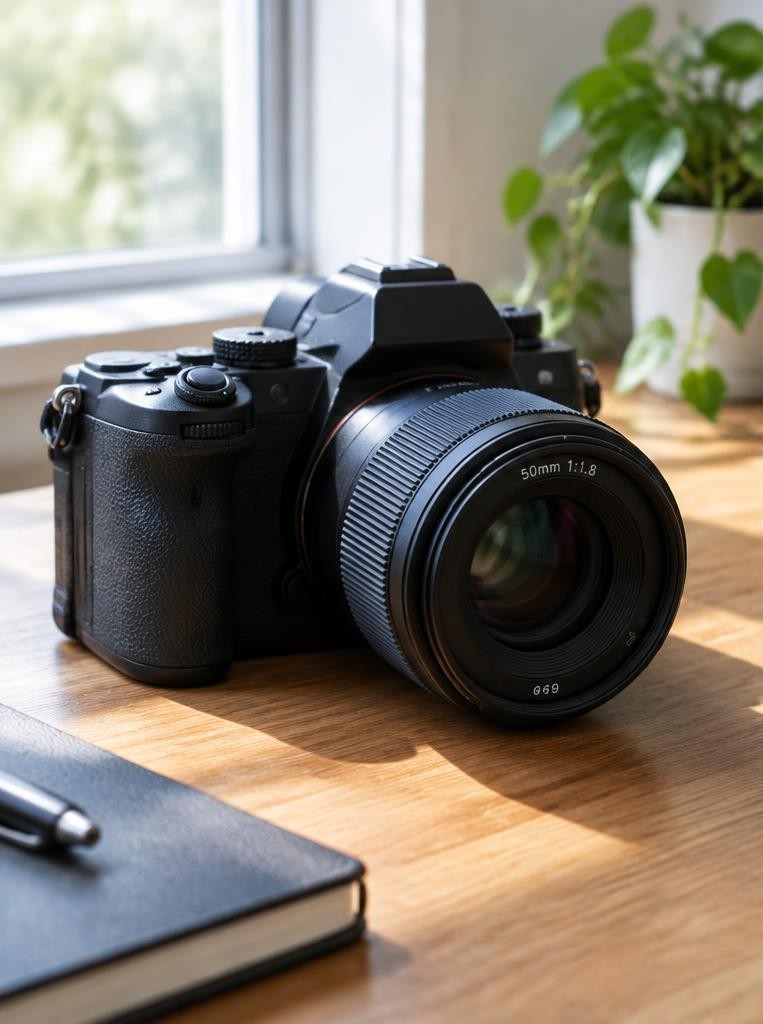
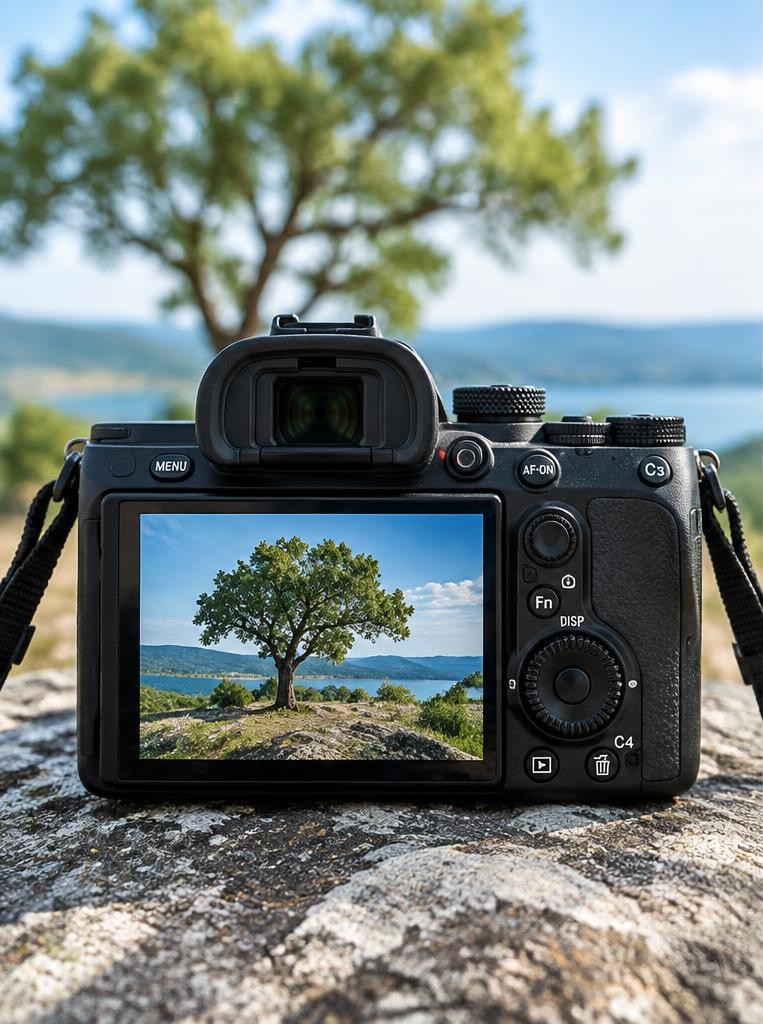
The query “which of the following is not true about digital photography” needs the original answer choices. Without them, no specific quiz option can be selected. The statements below are our educational examples, not reconstructed exam answers. A digital photograph is a recorded and processed representation of light, stored as data. The camera's sensor measures light at many locations, and processing turns those measurements into a visible image. File format, lens, focus, exposure, sensor design, processing, display, and viewing conditions all shape what you see. No single specification—megapixels, ISO, RAW, or a camera's price—fully predicts whether a photograph will look good or serve its purpose. A phone image can be excellent for a family album, while a large print may reveal limitations that were invisible on a small screen. Understanding the whole chain helps replace myths with useful decisions. This guide distinguishes reliable general principles from claims that depend on a particular camera, software version, file format, or intended output.
01Fact: megapixels describe pixel count, not complete quality
A megapixel is one million pixels. A 24-megapixel image contains about 24 million image pixels, but that number alone does not tell you how sharply a lens rendered detail, whether focus landed correctly, how much noise is present, or how the image will be viewed.
More pixels can help when you crop substantially or make a large print, assuming the lens, focus, exposure, and subject detail support that resolution. For a small web image, excess resolution may be reduced during export.
Sensor dimensions also matter: two cameras with the same pixel count can use different pixel sizes and sensor technologies. A sensible buying question is not simply “How many megapixels?” but “What size do I print or display, how much do I crop, and what image quality do I need at the light levels I encounter?”
02Misconception: a bigger file is always a better photograph
File size depends on more than image quality. A compressed JPEG may be small because it uses lossy compression; a RAW file may be larger because it stores less-processed sensor data; a high-resolution image can still be out of focus.
Conversely, a small image can be visually strong at its intended display size. Compression settings, scene complexity, bit depth, metadata, and camera options all affect file size.
A detailed tree canopy often compresses differently from a smooth sky. Do not rank photographs by megabytes.
Instead, inspect the result at a relevant size, retain an original when the image matters, and export a copy tailored to its destination. For social media, a properly resized JPEG may be entirely appropriate.
For intensive editing or archival workflow, preserve camera originals and maintain backups.
03Fact: RAW and JPEG are different workflow choices
RAW usually refers to a camera file containing sensor measurements with limited in-camera rendering. It typically gives the editor more latitude over white balance, tonal rendering, and some highlight or shadow adjustments.
It is not automatically a finished photograph: software must interpret and develop it into a viewable image. JPEG files have already been rendered and compressed according to camera settings, often including sharpening, noise reduction, contrast, and color.
JPEG is convenient, widely supported, and smaller, but repeated edits and resaves can degrade image quality. RAW files are not immune to clipping, motion blur, missed focus, or noise.
Nor does RAW guarantee a superior image without careful processing. Choose RAW when editing flexibility matters and storage and workflow permit; choose JPEG when a ready-to-share file and efficient storage matter.
Many cameras can record both.
04Misconception: RAW means no processing
RAW is often described as “unprocessed,” but that phrase can mislead. The camera has already made decisions about capture, and RAW conversion software applies a rendering profile to turn sensor values into a viewable image.
A preview embedded in a RAW file may look like the camera's JPEG preview, complete with contrast and color choices, even though those adjustments are not necessarily baked into the underlying RAW data. Different applications may render the same file differently because of profiles, demosaicing, sharpening, and default settings.
RAW does not contain a finished neutral picture waiting untouched inside it; it contains data that software interprets. Preserve the original file before experimenting, and export a finished version in a widely supported format for sharing.
If long-term access matters, keep a record of editing decisions and consider exporting a high-quality rendered master as well as the RAW original.
05Fact: exposure and focus cannot be replaced by editing
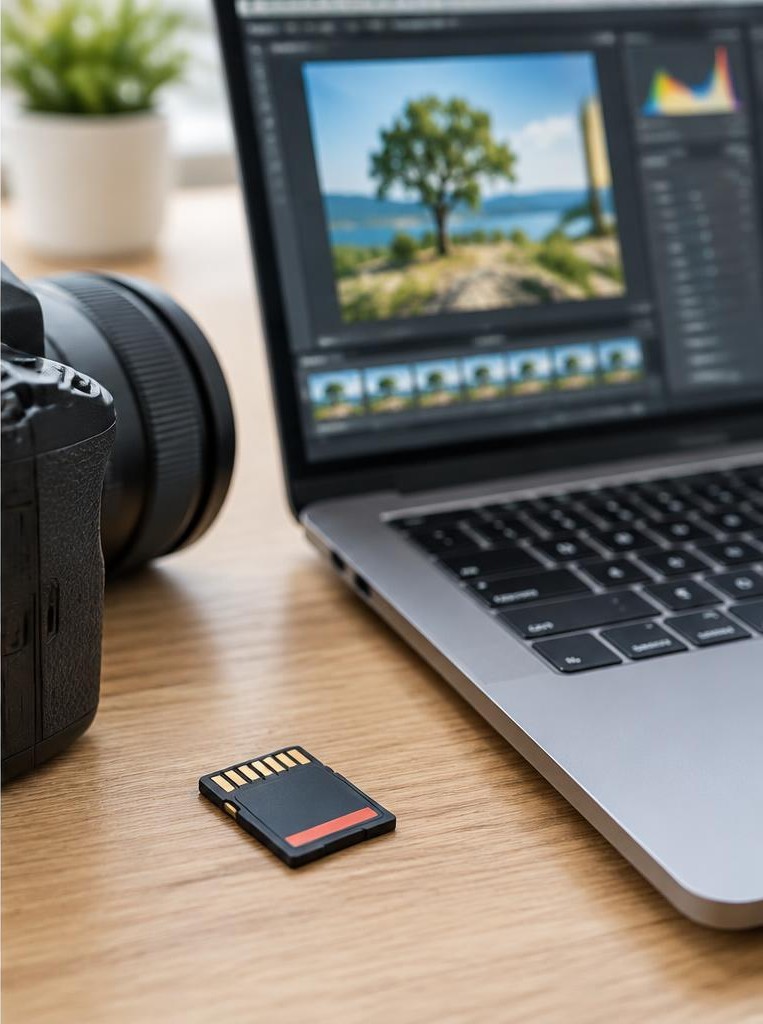
Editing can correct many problems, but it cannot reliably recreate detail that was never recorded. A clipped highlight may contain no recoverable texture; a badly missed focus may not have enough detail to sharpen; a subject blurred by motion cannot usually be made crisp through ordinary editing.
Raising a dark exposure can make noise more visible. Modern software offers sophisticated reconstruction tools, but generated or inferred detail is not the same as information captured by the sensor.
The most dependable approach is to get focus and shutter speed right, protect important highlights, and expose with the final use in mind. RAW files may provide more adjustment latitude than JPEGs, but the amount varies by camera and scene.
Make a test exposure in difficult light, inspect the image, and avoid relying on hypothetical rescue work later.
06Misconception: high ISO automatically ruins a photo
Higher ISO can make noise and tonal limitations more apparent, but “high ISO ruins photos” is an overgeneralization. Noise depends on sensor design, exposure, temperature, processing, image size, and viewing distance.
A correctly exposed frame at a higher ISO may look better than an underexposed low-ISO frame brightened heavily afterward. High ISO is often a reasonable choice when you need a fast shutter indoors, at a performance, or during sport.
Noise reduction can help, but it may soften fine texture. Compare images at the size you actually use: a noisy file may look acceptable as a modest web image and less acceptable as a large print.
Prefer adequate light and good exposure when possible, but do not miss a meaningful moment solely to avoid a number on the dial.
07Fact: white balance is adjustable, especially with RAW
White balance describes how a camera or editor renders color under different light sources. Automatic white balance often works well, but mixed lighting, unusual color casts, and creative intent can produce results that need adjustment.
With RAW, white balance is generally flexible because the chosen setting is recorded as metadata or a processing instruction rather than being permanently applied in the same way as a rendered JPEG. In a JPEG, color transformations have already been applied, so large corrections can be less forgiving.
Flexibility has limits: a green cast from fluorescent lighting or different colors of light falling on different parts of a scene may not be solved by one global slider. A neutral card can help with consistency in controlled work, but a warm sunset need not be neutralized.
The goal is convincing or intentional color, not mechanical neutrality.
08Misconception: digital zoom creates optical detail
Optical zoom changes the lens's focal length and can alter framing while using the lens's image-forming capability. Digital zoom generally crops the image or enlarges a crop, so it cannot create genuine scene detail that the sensor did not record.
Computational systems may combine multiple frames or use reconstruction methods, which can improve some results, but their output still depends on the captured information and processing. A practical alternative is to move closer when safe and appropriate, use an optical telephoto lens, or crop later while keeping the original.
Cropping reduces remaining pixel dimensions, so consider the output size. A 24-megapixel file cropped to one quarter of its original area has roughly six megapixels remaining before further resizing.
That may still be ample for a small screen, but less suitable for a large print.
Worked example
09A numerical example: choosing a file for a print
Suppose a photographer has a 24-megapixel image measuring about 6,000 by 4,000 pixels and wants a 12-by-8-inch print. At 300 pixels per inch, that print would require about 3,600 by 2,400 pixels, or 8.64 megapixels, before considering printer-specific workflows.
The original contains enough pixels in principle, leaving some room to crop. If the photographer crops away half the width and half the height, only about one quarter of the pixel area remains—roughly six megapixels.
That may still look good at a smaller print or a more forgiving viewing distance, but it no longer meets the same 300-pixel-per-inch calculation at 12 by 8 inches. This is a planning estimate, not a universal print-quality threshold: lens sharpness, paper, interpolation, viewing distance, and subject matter all matter.
10Hypothetical story: the two versions of a travel photograph
Imagine a traveler photographing a market at dusk. The camera records both RAW and JPEG.
The JPEG looks appealing immediately, with warm color and punchy contrast, so the traveler shares it from a phone. Months later, the traveler wants a print and notices that the JPEG's bright lanterns have little texture.
The RAW file allows a gentler rendering and better adjustment of the surrounding tones, though the brightest lantern surfaces remain clipped. The RAW version does not magically restore missing detail, and it still needs editing.
The two files have different strengths: one is convenient and finished; the other leaves more choices. This is why a dual-format setting can be useful while learning, provided there is enough storage.
The traveler also backs up the original files, because neither a card nor a single laptop is a safe archive.
11Misconception: editing is dishonest and cameras are neutral
Every camera image is shaped by choices. A JPEG includes decisions about color, sharpening, contrast, noise reduction, and tone mapping.
A RAW converter makes its own choices when it creates a preview. Editing is not automatically deceptive; it is part of preparing an image for a purpose.
Documentary, scientific, journalistic, and evidentiary settings may have specific standards about alterations, provenance, and disclosure, and those standards should be followed. A personal landscape can be edited for mood, while a forensic image must not be manipulated in ways that misrepresent evidence.
Keep an untouched original when integrity or future verification matters. Describe significant edits when context requires it.
Instead of arguing that a photograph is “straight out of camera,” ask what transformations occurred, what the audience reasonably expects, and whether the result communicates faithfully.
FAQ
12Learning exercise and FAQ
Exercise: photograph one stationary subject in steady light as RAW plus JPEG, if available. Make three versions: the camera JPEG, a neutral RAW conversion, and a deliberately adjusted RAW conversion. Compare them at screen size and at a zoomed view, noting color, highlights, noise, and texture. Then export a smaller copy and compare its file size and appearance. FAQ: Should everyone shoot RAW? No; workflow, storage, deadlines, and editing needs differ. Does more megapixels always mean a better camera? No; resolution is one factor among many. Can JPEG be edited? Yes, but repeated lossy saves and large color or tonal changes can reduce quality. Is a phone photograph not “real photography”? It is photography; the device affects capabilities, not the legitimacy of the practice. Should I delete RAW files after exporting? Only if you have decided the future editing value is not worth retaining and your backup plan is sound.
13Source check and practical takeaway
Adobe's overview of RAW files explains why RAW formats preserve sensor data for later interpretation and why they require development software. Camera makers' manuals are useful for checking exact recording options, bit depth, compression, and simultaneous RAW-plus-JPEG settings on a particular model.
Treat broad claims cautiously when they promise a universal quality advantage: ask what image, output size, light, and workflow the claim assumes. A reliable everyday routine is to protect focus and shutter speed, choose a format that fits your editing needs, keep originals for important work, and maintain more than one backup.
Export a copy for each use rather than overwriting your only source. Learn by comparing actual files from your own camera, since sensor behavior and software rendering vary.
The useful fact is not that one format always wins, but that informed choices make the file serve the photograph.
Sources & further reading
These references support the technical explanations. Exercises and starting settings are illustrative and should be adapted to your equipment and conditions.
Free resources from LensSuite
Was this guide helpful?