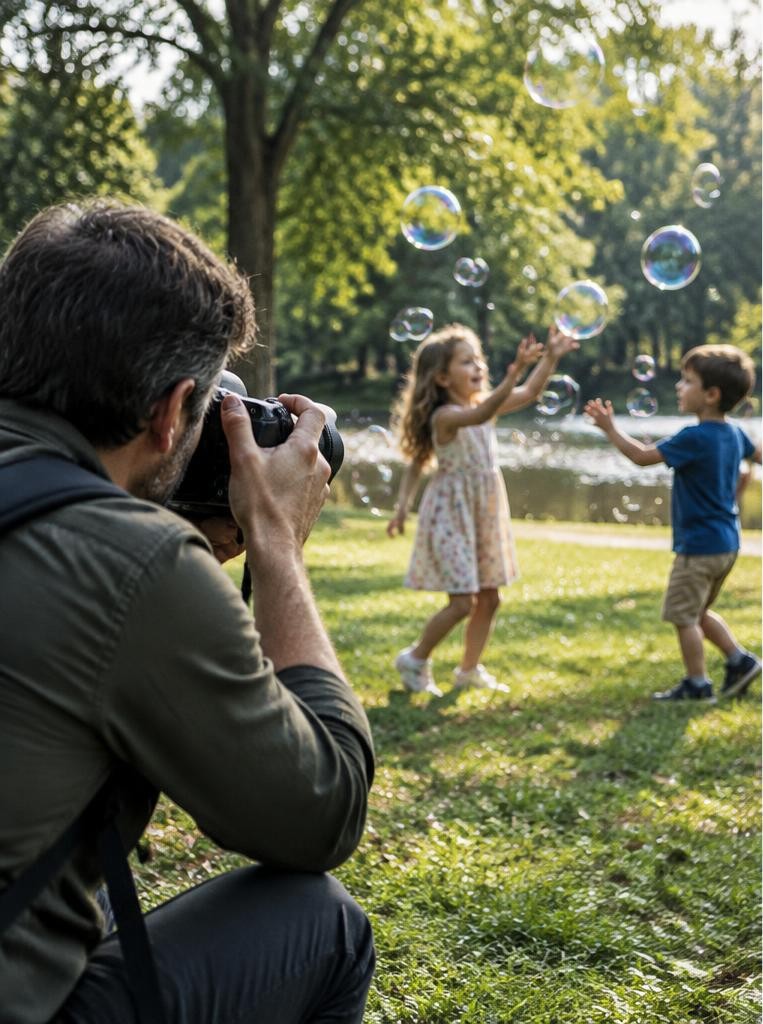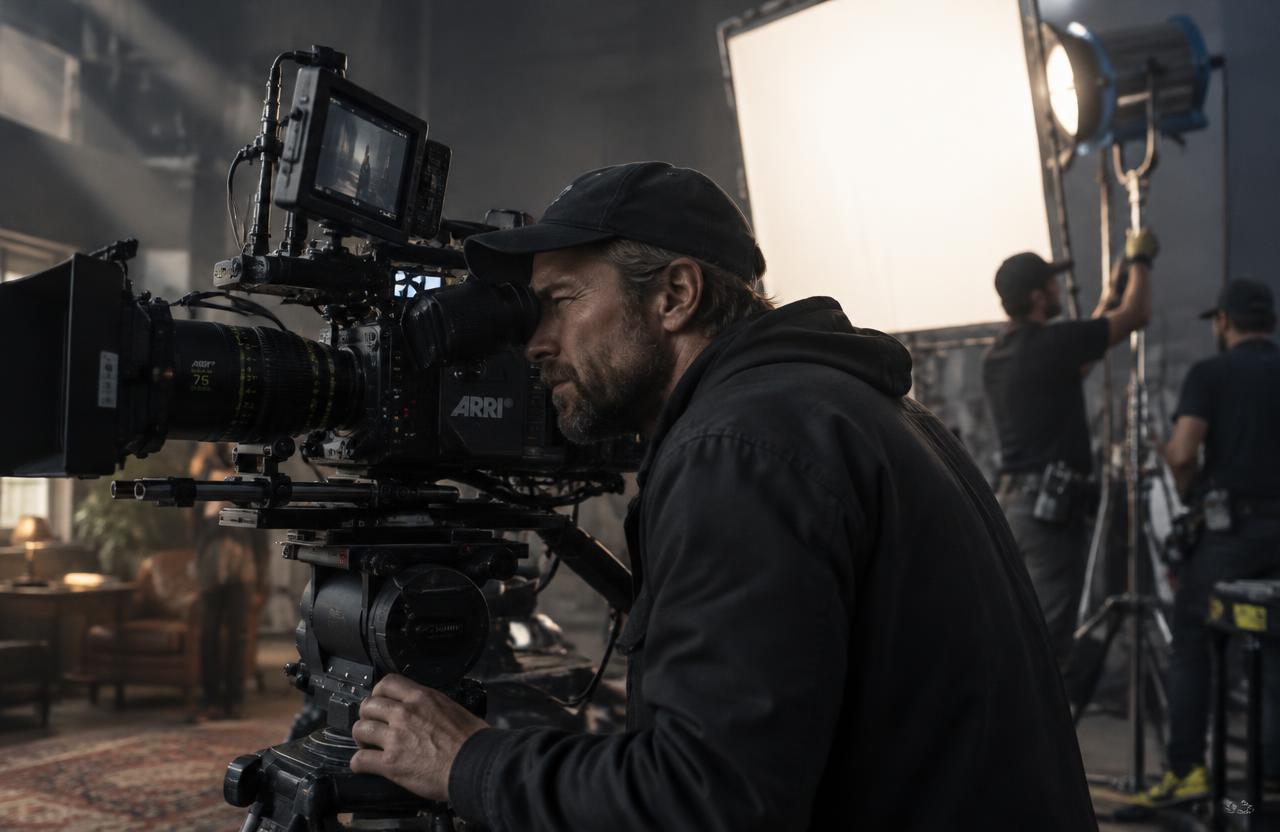
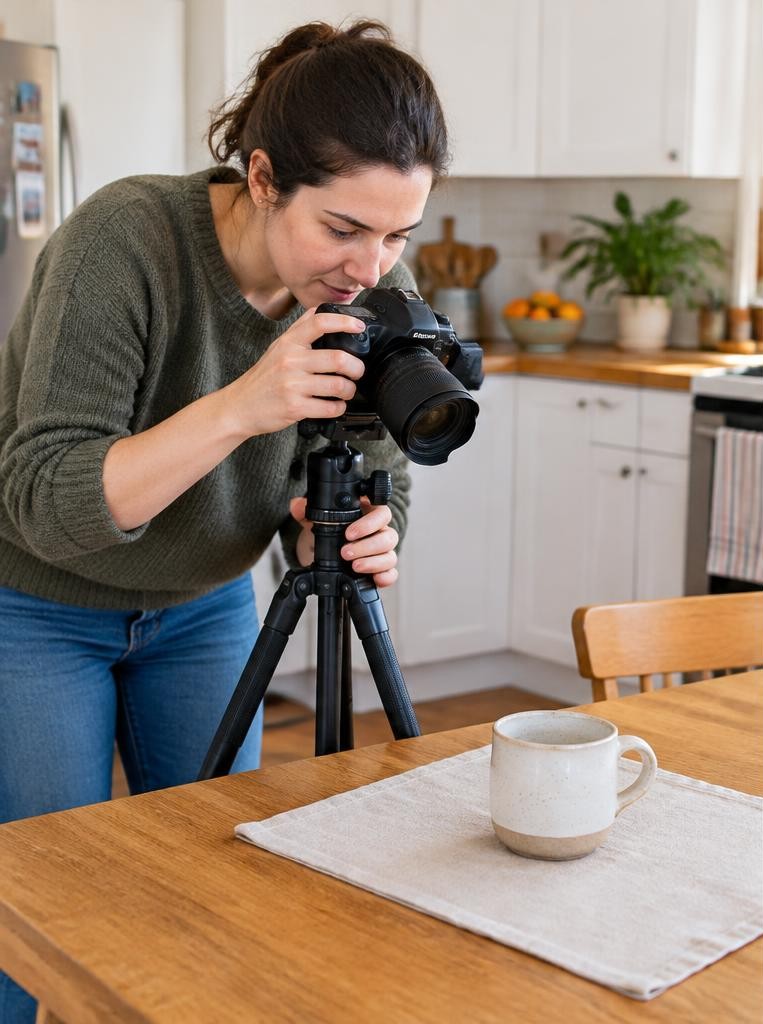
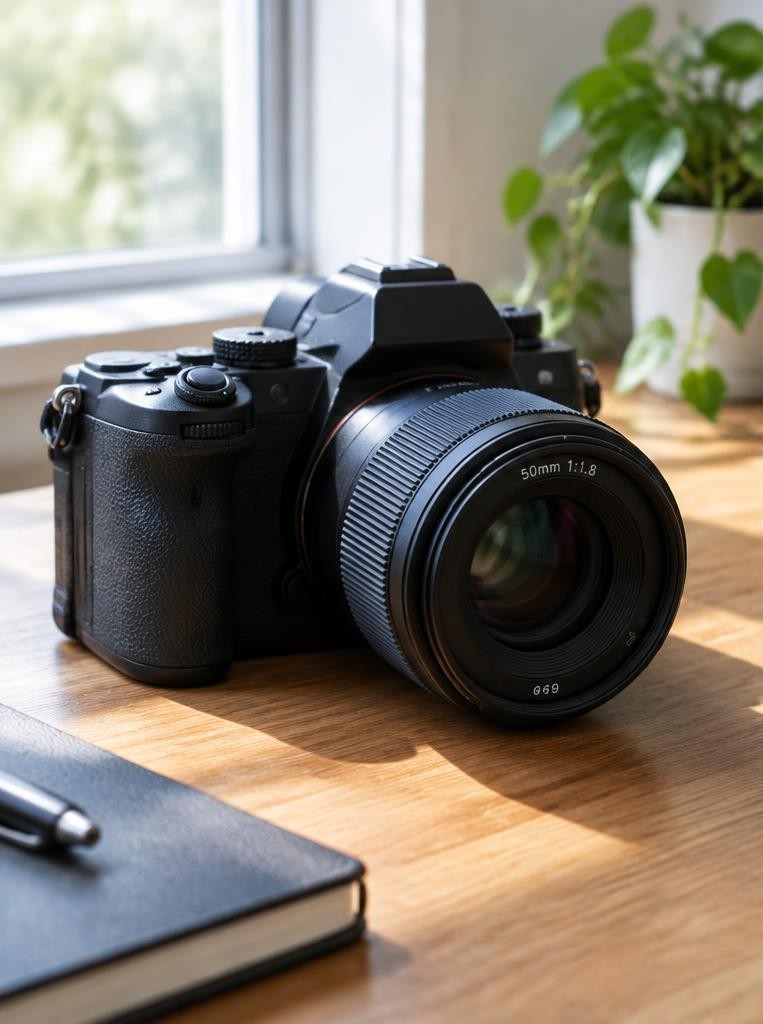
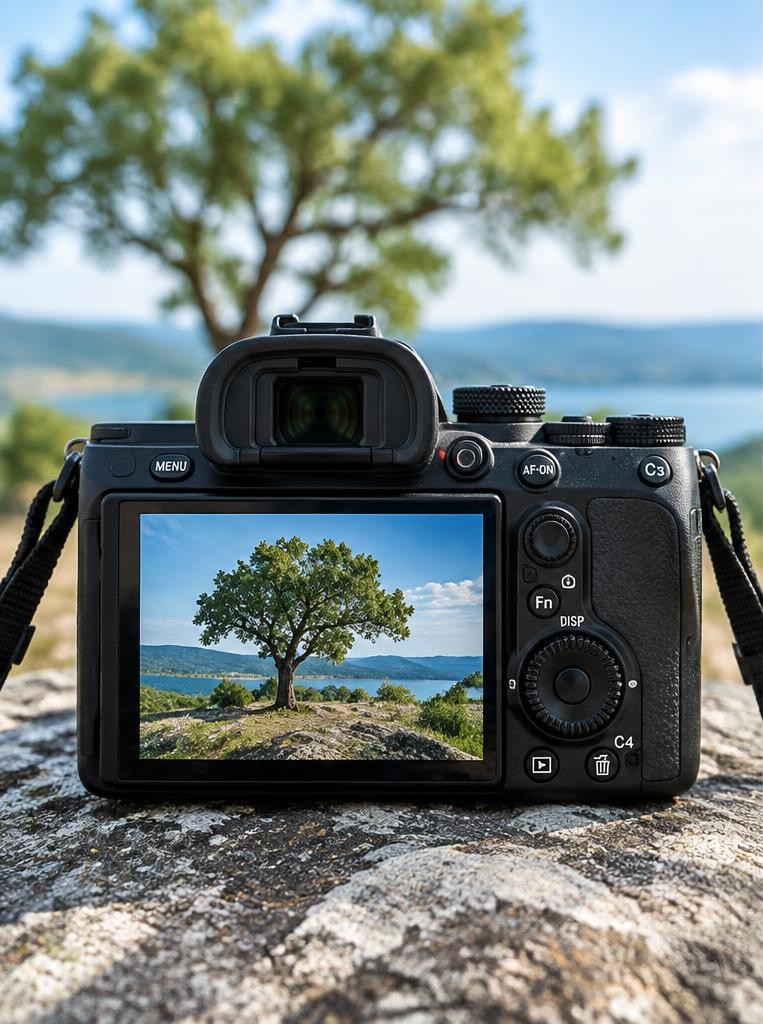
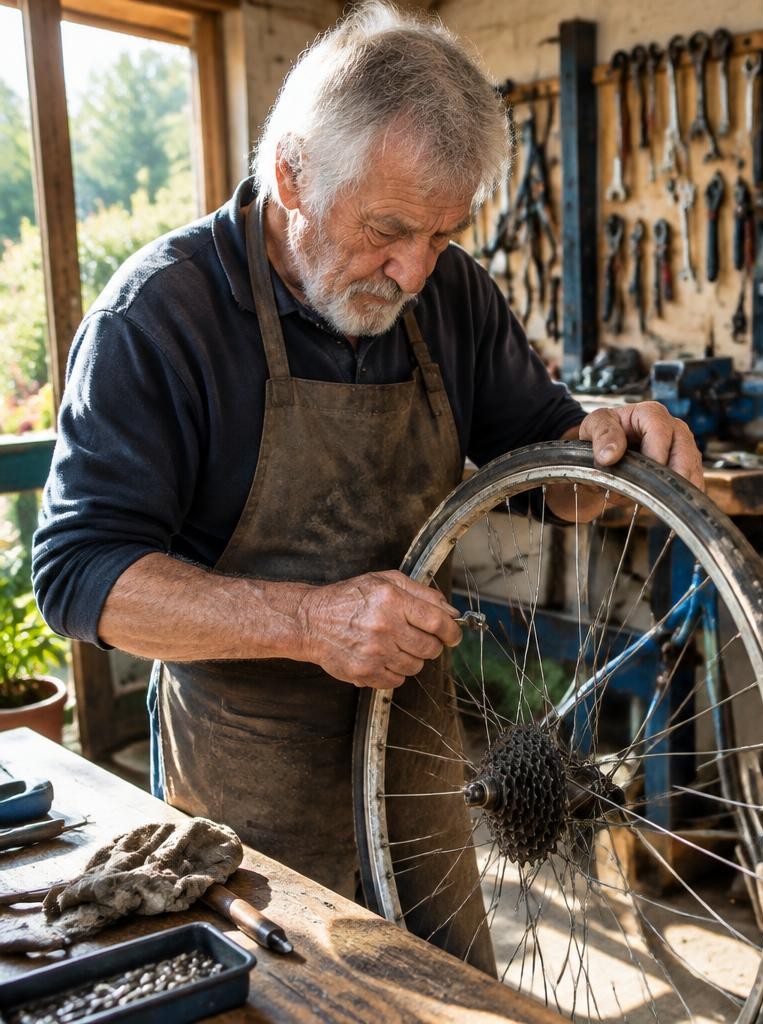
This name can refer to several unrelated photography businesses. Without a location or website, it cannot identify a particular studio; this guide explores the phrase as a photography idea, not a claim about a business. The phrase ‘a picture is worth a thousand words’ describes the way an image can communicate through visible relationships. A photograph shows a selected moment, not a complete account of someone’s life. People, objects, gestures and light help viewers interpret what they see. Captions and context still matter. Begin with three questions: what should someone notice first, what detail deepens that observation, and what cannot be known from the picture alone? An expressive face does not establish a person's thoughts. A worn tool does not prove a family tradition. Keep the story grounded in observable details.
01Write a one-sentence visual premise
Choose a small activity you can photograph respectfully. ‘A craftsperson checks a wheel while repairing a bicycle’ is a workable premise because the visible action can support it. ‘A lonely worker struggles to survive’ would require information the camera cannot provide.
Identify three elements: the wheel establishes the object, hands explain the action and a nearby tool supplies a useful detail. Ask permission in private spaces and agree on publication where appropriate.
You do not need a dramatic setting; a clear relationship is more useful than an elaborate but unsupported narrative.
02Give the viewer a route through the frame
Contrast, size and recognisable shapes often attract attention first. Lines and gestures can lead the eye onward.
Place the wheel, hands and tool so their relationship is readable. Check for a spoke crossing a face or an edge that makes fingers appear to merge with the background.
Try a central frame and an off-centre frame without treating either as automatically correct. Review the picture small, as someone might see it on a phone.
If the main activity disappears at that size, simplify the background or choose a closer position rather than adding more editing.
FAQ
03Make three distances answer three questions
A wide frame answers ‘where?’ A medium frame answers ‘what is happening?’ A close detail answers ‘what should I look at carefully?’ In the bicycle example, the workshop, the person working and the tool contacting the spoke have different roles.
Do not make three near-identical crops merely to fill a sequence. Move safely and avoid interrupting work. If a close-up leaves the activity unclear, keep it beside a wider image. Context protects the detail from becoming misleading.
04Use light to reveal relevant information
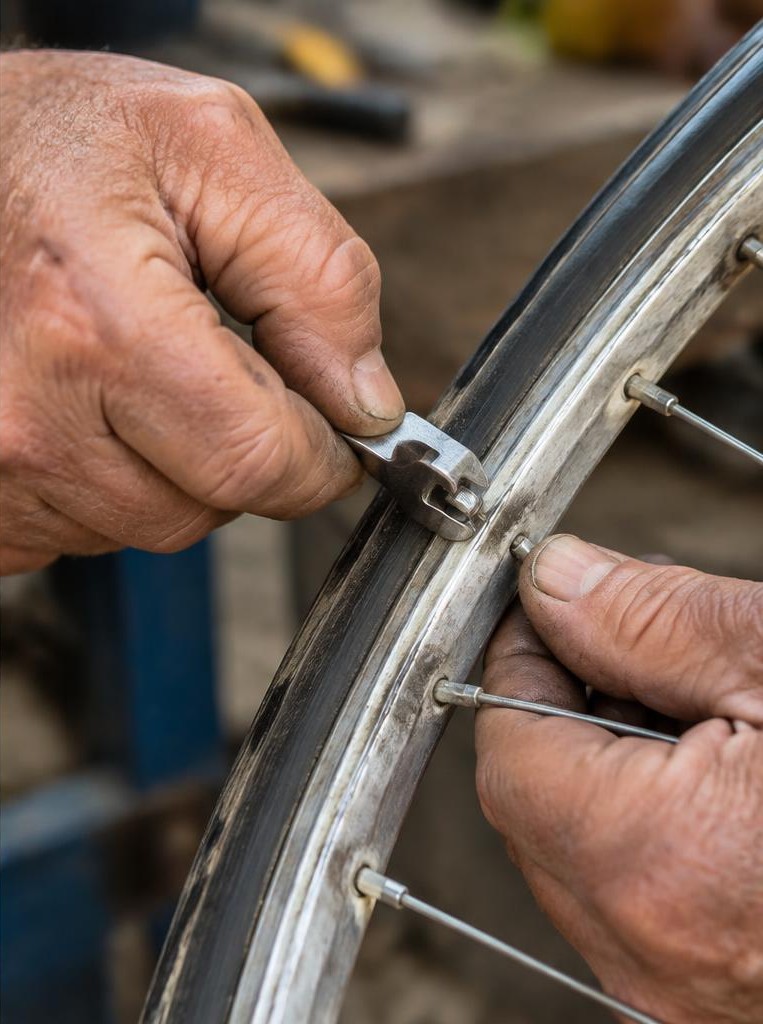
Side light can reveal metal texture and the shape of hands. Softer frontal light may preserve more even detail.
Shift position a few steps and compare reflections before changing settings. A bright window behind the action can pull attention away.
For a moving hand, try 1/250 second as an illustrative starting point, inspect sharpness and adjust for speed and available light. Moving to 1/500 halves captured ambient light at fixed aperture and ISO.
Doubling ISO can preserve similar rendered brightness, with a possible noise trade-off. These values are a comparison exercise, not universal workshop settings.
05An illustrative workshop story
Imagine a learner makes a wide frame of a bicycle repair. The wheel is clear, but a bright doorway dominates.
They move sideways so the doorway leaves the frame and wait for the next genuine adjustment. The second picture shows a hand, spoke and tool in a clean relationship.
They add a close detail and an establishing photograph. The series now explains more than the first frame, without claiming the person’s biography or directing a fake repair.
This is a hypothetical learning scenario; the generated photographs illustrate visual choices, not a documented worker's life.
06Edit for distinct information
Start with six candidates and choose three that supply context, action and detail. Remove near-duplicates.
Try the wide frame first, then the close detail first, and compare how the sequence changes interpretation. Ask someone who was not there what they see before explaining your intention.
Keep adjustments consistent and do not add, remove or combine factual elements to strengthen a documentary claim. A caption such as ‘A person adjusts a bicycle wheel’ describes what is visible.
Names, dates and claims about completed repairs need verification.
Try this
07Troubleshooting and a ten-minute exercise
If the story feels vague, make the action clearer. If a detail is confusing, include more context.
If the background wins attention, change position. If the hands blur unintentionally, use a faster shutter and check focus separately.
For ten minutes, photograph one permitted activity at three distances. Record what each image adds.
Select one frame and change only the camera position for a comparison. A different viewer may still interpret it differently; clarity improves communication but cannot control every response.
For further study, compare published photographs with their captions and ask which claims come from the image and which require outside evidence.
Sources & further reading
These references support the technical explanations. Exercises and starting settings are illustrative and should be adapted to your equipment and conditions.
Free resources from LensSuite
Was this guide helpful?