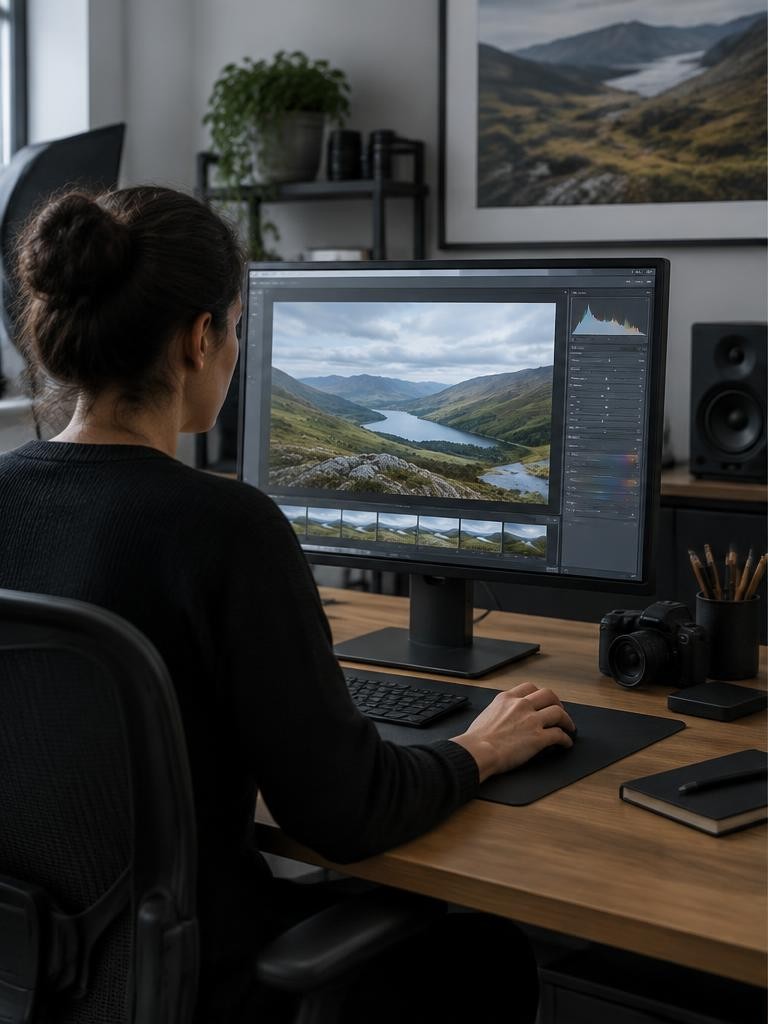
A LUT, or lookup table, maps incoming color values to new outgoing values. In photography, it can create a color treatment or perform a defined technical conversion. It is not an intelligent retoucher: the same incoming values receive the same mapping wherever they appear. A LUT cannot recognize a face, repair missed focus, or recover clipped highlights. Its results depend on the color space and encoding it expects. Think of it as a reusable numerical color transform, not a universal recipe for making any photograph look like a particular film or photographer.
01What a lookup table actually stores
Rather than calculating every possible adjustment from scratch, software consults a table of sampled input and output values. Values between samples are generally interpolated.
A 1D LUT treats channels through separate curves; a 3D LUT maps RGB combinations together, allowing more complex hue and saturation relationships. A common .cube file may contain a three-dimensional grid, but the extension alone does not tell you its intended input or output.
Grid size concerns sampling density, not artistic quality. A bigger table cannot make a poorly designed look flattering or correct a mismatched workflow.
02Technical transforms versus creative looks
A technical LUT may convert a specified camera encoding into a specified display-oriented encoding. A creative LUT may introduce warmer highlights, cooler shadows, or compressed contrast within an already defined space.
Some LUTs combine technical and creative changes, so documentation matters. Do not assume every LUT belongs at the same stage in an editing chain.
Adobe explicitly notes that LUTs are made for particular color spaces. Although that documentation addresses video software, the core requirement also applies to still-image color mapping: the numbers must mean what the transform expects.
03A LUT is not an editing preset
An editing preset is a saved collection of application settings. Depending on the program, it can include exposure, white balance, sharpening, lens correction, masks, and many other instructions.
A LUT normally supplies a color-value mapping rather than all those editing decisions. A preset can reference a LUT or a profile, so the categories can overlap in a workflow without being identical.
If a product promises local face brightening or adaptive masking, those capabilities come from the host application's tools, not from a conventional RGB lookup table acting alone.
04A LUT is not complete color management
Color management interprets image profiles, working spaces, monitor profiles, and output requirements so colors can be translated consistently between devices and destinations. A LUT may participate in a managed pipeline, but applying one does not automatically configure that pipeline.
An ICC profile and a creative .cube file are not interchangeable instructions, even though some profile systems contain lookup tables internally. Keep source profiles intact, use a color-managed editor, and export to the intended destination space.
Do not replace a missing profile by trying random creative LUTs until the picture looks plausible.
05Step 1: identify the image entering the LUT
Determine whether you are editing a rendered JPEG, a developed RAW photograph, or log-encoded video. A RAW file is not automatically a flat log image waiting for a video conversion LUT.
RAW development first interprets sensor data using the editor's processing pipeline. For a beginner still-photo exercise, use a well-exposed RGB image in the input space explicitly named by the LUT maker.
If the documentation only says cinematic, ask for the expected gamut, transfer curve, and application instructions. Rec.709 and sRGB have related primaries but are not blanket substitutes in every workflow.
06Step 2: prepare a neutral starting image
Correct obvious exposure and white-balance problems before evaluating a creative look, following the LUT maker's required processing order. Preserve highlight detail and inspect a neutral object if one is available.
A yellow room cast plus a warm LUT can produce orange skin even when neither adjustment looks extreme alone. Keep a neutral version or snapshot for comparison.
Work nondestructively in the highest practical precision your editor supports; 16-bit editing can reduce additional rounding during multiple adjustments. It cannot restore tonal information already absent from an 8-bit source or repair original clipping.
07Step 3: apply the LUT nondestructively
In Photoshop, add a Color Lookup adjustment layer, then select or load the appropriate table in its Properties panel. Adobe's tutorial explains that most supplied options appear under 3DLUT File and that the image must be in RGB mode for that option.
Keep the underlying photograph intact. For a creative look, compare full strength with a lower layer opacity, such as 20–40 percent, as a starting experiment.
Save an editable layered master so you can change the treatment without rebuilding the photograph from scratch.
08Step 4: keep the order and strength meaningful
A useful conceptual sequence is source interpretation, necessary technical conversion, image balancing, creative treatment, and output conversion. Actual applications may arrange these stages differently or handle conversions automatically.
Follow their documented pipeline instead of adding every stage manually. Do not reduce the strength of a required technical conversion as if it were merely an aesthetic filter; that creates a partial conversion rather than a correctly interpreted baseline.
Similarly, applying the same log-to-display transform twice can exaggerate contrast and color. Creative opacity controls are useful only after the input and output meanings are correct.
Worked example
09Technical example: identical colors, different subjects
Consider two pixels with the same incoming RGB triplet, one on a face and one on a terracotta pot. A conventional LUT maps both to the same outgoing triplet because it receives color values, not object identities.
Hypothetically, a particular table could map normalized RGB (0.60, 0.40, 0.30) to (0.64, 0.38, 0.27); these numbers illustrate mapping, not a recommended skin formula. If the face needs a gentler effect than the pot, use a mask or another local adjustment in the editor.
The extra selectivity comes from that tool, not the table.
Troubleshooting
10Illustrative story: the wrong input looks dramatic
Imagine a beginner applying a camera-specific log-to-Rec.709 LUT to a normal finished JPEG portrait. This is a hypothetical example, not a reported editing session.
Contrast becomes harsh and skin turns too saturated. Lowering opacity makes the error less obvious but does not establish correct input interpretation.
The beginner removes the conversion LUT, confirms the JPEG's embedded profile, and chooses a creative look documented for the editing space instead. At modest strength, it adds a subtle palette shift without crushing shadows.
The lesson is to diagnose compatibility before deciding that a strong result is an artistic success.
FAQ
11Troubleshooting and frequently asked questions
Why does the LUT look different from its preview? Input space, exposure, lighting, white balance, and display settings may differ. Why are shadows blocked? Check for a double conversion or a strong contrast mapping. Why is there banding? Heavy transformations, low source precision, and compression can all contribute; test a higher-quality source and gentler processing. Can a LUT reproduce a film stock exactly? Not universally: grain, halation, exposure response, scanning, and scene conditions extend beyond a simple table. Should every photo receive the same LUT? Only if the inputs and visual goals are compatible; consistency still requires judgment.
Try this
12Exercise: test a look before using it widely
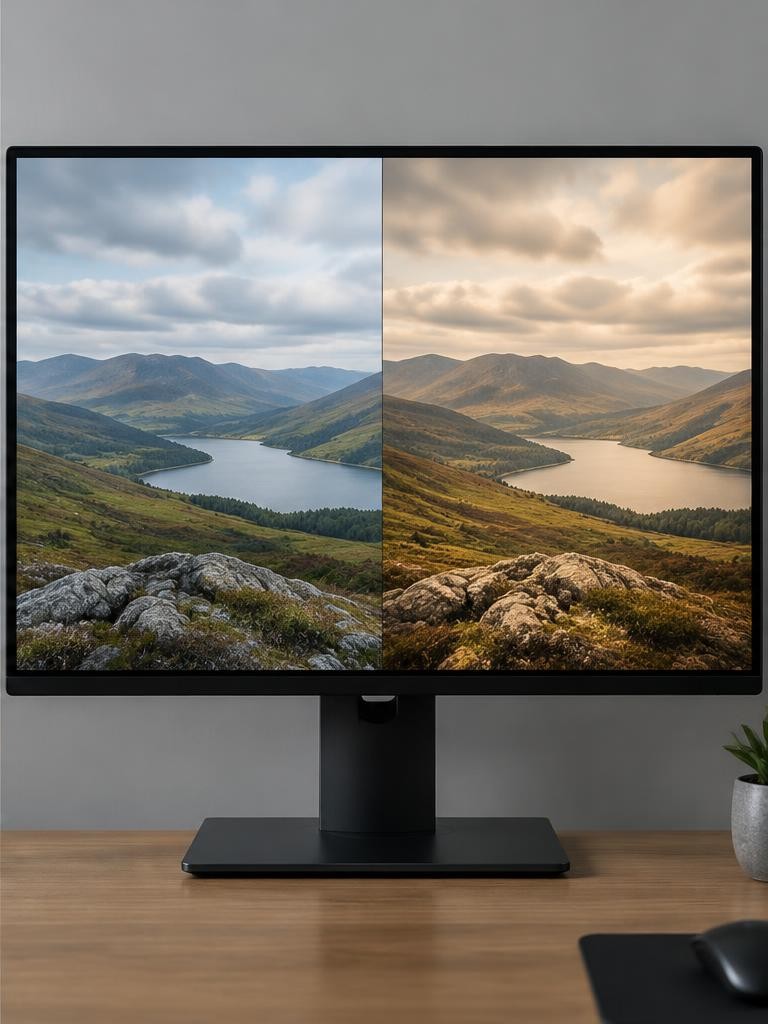
Choose three photographs: a portrait, a neutral object, and a scene with saturated colors. Use copies with known profiles and record the LUT's documented input.
Compare no LUT, full creative strength, and a reduced-strength version at matched viewing conditions. Inspect skin, neutral grays, highlights, shadows, and smooth gradients rather than judging only the thumbnail.
Export a test in the destination's required space and reopen it in a color-managed viewer. Keep the look only if it serves all three examples without unexplained shifts.
A useful LUT saves repeatable color work; it should not conceal an unknown pipeline.
Sources & further reading
These references support the technical explanations. Exercises and starting settings are illustrative and should be adapted to your equipment and conditions.
Free resources from LensSuite
Was this guide helpful?