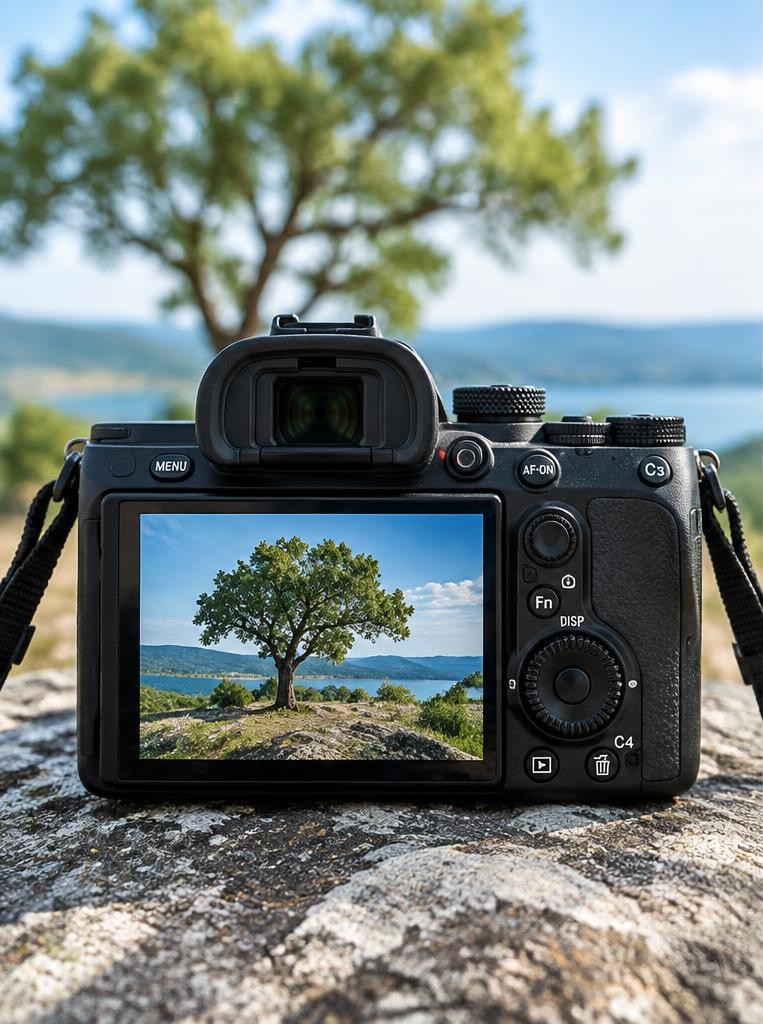
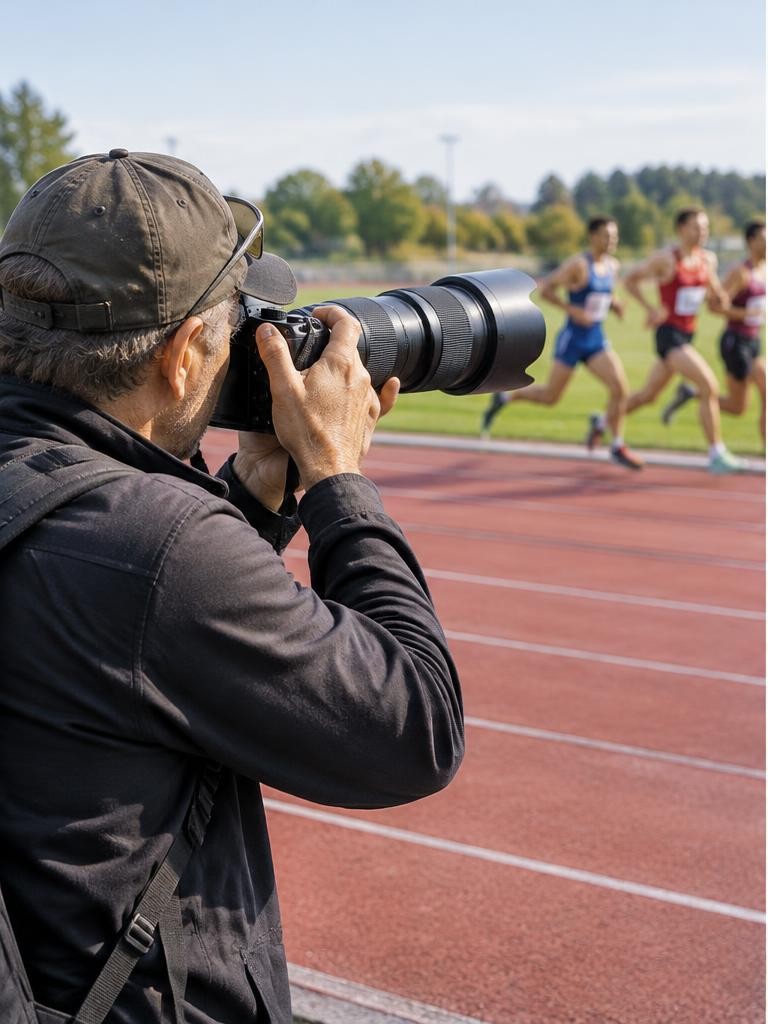
For daylight field sports on a constrained system budget, the Canon EOS R7 is a practical shortlist choice. For indoor and mixed assignments, consider the Nikon Z6III with an appropriately bright lens. For demanding professional action where electronic-shutter distortion matters, consider the Sony Alpha 9 III. These are use-case recommendations based on manufacturer specifications, not a universal ranking or a hands-on test. The best purchase is the body-and-lens combination that covers your working distance, light and delivery requirements. A flagship body cannot compensate for a lens that leaves every player tiny in the frame.
01Translate the sport into requirements
Write down the sport, venue, permitted position and likely light before comparing cameras. Outdoor football may require long reach; courtside basketball may need a shorter, brighter zoom.
Athletics can reward anticipating a fixed point, while unpredictable play demands flexible tracking.
Ask how photographs will be used. Small online galleries tolerate more cropping than large prints.
Check venue rules on accreditation, flash, tripods and lens size. A technically excellent setup is useless if you cannot bring it into the ground or safely operate it from your assigned position.
02Canon EOS R7: a daylight and reach-oriented option
Canon specifies a 32.5-megapixel APS-C sensor, subject-detecting Dual Pixel CMOS AF II and up to 15 frames per second with the mechanical shutter or 30 with the electronic shutter. Its RF mount also supports compatible EF and EF-S lenses through the appropriate adapter.
The APS-C field of view helps frame distant action with a given focal length, but it does not physically magnify the lens. Consider the R7 when reach, resolution and system cost matter more than flagship readout performance.
Electronic-shutter speed is not a guarantee against distorted fast movement.
03Nikon Z6III: a mixed-light shortlist choice
Nikon specifies a partially stacked full-frame sensor and up to 20 frames per second in RAW with the electronic shutter. Its headline 120-fps mode is JPEG, not an equivalent full-resolution RAW mode.
Nikon also lists subject detection and pre-release options in its high-speed JPEG modes.
This makes the Z6III worth considering for photographers combining action with other assignments. Compare the exact output size, file format and restrictions of each speed mode rather than shopping by the largest number.
Budget for suitable cards and a compatible lens, not just the camera body.
04Sony Alpha 9 III: specialist speed and global shutter
Sony specifies a full-frame global-shutter sensor and blackout-free shooting at up to 120 frames per second with autofocus and autoexposure tracking. A global shutter avoids the line-by-line temporal skew responsible for rolling-shutter distortion of fast-moving subjects.
That is a significant distinction for bats, rackets and rapid lateral movement, but it is not permission to ignore lighting tests or exposure limits. Sony notes that maximum continuous speed depends on shooting conditions and lens compatibility.
This specialist body makes most sense when its capabilities solve a recurring paid-work problem, rather than an occasional missed frame.
05Understand shutters before trusting burst rates
Mechanical shutters, conventional electronic shutters and global electronic shutters have different tradeoffs. A very short selected exposure can freeze local motion while a rolling readout still bends a moving object across the frame.
Artificial lighting can also produce bands or uneven exposures.
Canon documents mechanical-shutter anti-flicker operation on the R7. Other bodies and modes have their own restrictions, so check the relevant manual and firmware.
Treat quoted maximum burst rates as conditional ceilings. Autofocus settings, battery condition, lens drive, file type and cards can change the usable result.
06Put the lens into the budget first
A 70–200mm f/2.8-type zoom is a common starting category for nearby indoor action, while longer zooms suit more distant outdoor play. These are categories, not promises that one lens covers every venue.
Check framing from your actual permitted location.
An f/2.8 lens admits four times as much light as f/5.6 at the same shutter duration. That can reduce the required ISO by two stops, although focus depth becomes shallower.
A slower long zoom may be sensible in daylight; indoors, buying a brighter lens can solve more than upgrading burst speed.
07Compare complete systems without invented prices
Request local quotes for the body, lens, cards, spare batteries, support and any adapter. Include tax, warranty terms and repair access.
Prices differ by country and change over time, so a fixed international bargain claim would be misleading.
Used equipment can stretch the budget, but inspect condition, autofocus operation, card slots and return rights. Rent a likely combination for an important venue if practical.
Keep money for travel and access: a slightly older body from the right position may produce more useful coverage than an expensive body behind an obstruction.
08Set up a practical action workflow
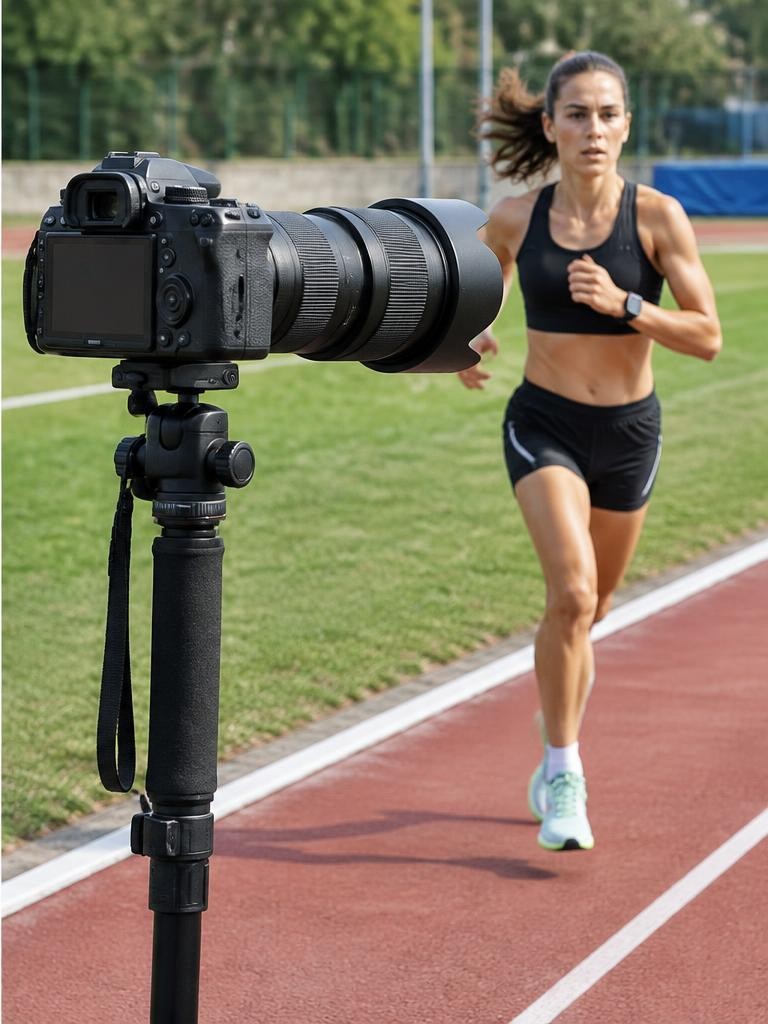
First choose a shutter duration for the movement: around 1/1000 second can be a starting point for running, with faster settings for rapid limbs or balls. Next select an aperture that balances light with focus tolerance.
Use Auto ISO if appropriate, with limits you have reviewed.
Enable continuous autofocus and start with a manageable tracking area. Practise picking up the athlete before the decisive moment.
Use short bursts around action rather than filling the buffer continuously. Review sharpness on faces, not just whether the camera displayed a subject-detection box.
Worked example
09Hypothetical worked example: an indoor basketball choice
Suppose you can afford either a faster body with a slow zoom or a less costly body with a suitable f/2.8 zoom. Your trial exposure at f/5.6 is 1/1000 second, ISO 12800.
Keeping the same light and shutter duration, f/2.8 permits approximately ISO 3200: a two-stop reduction.
If both bodies can track the movement adequately, the brighter lens addresses the immediate light problem. Check that its focal range fits the court and your position.
Then shoot a short sequence under the venue lights, inspect banding, and select a compatible shutter mode. These are hypothetical calculations, not reported test results.
10An illustrative story: fewer frames, better timing
Imagine a volunteer photographing a junior athletics meeting with an existing camera and borrowed telephoto. Initially, they hold the shutter through every race and fill the buffer before the finish.
Buying a faster body seems the obvious solution.
Instead, they learn the event rhythm, acquire focus early and shoot a brief burst as runners cross the line. They keep a wider frame for unexpected movement and photograph reactions afterward.
In this hypothetical story, technique improves coverage before any purchase. Equipment matters, but anticipation determines when its speed becomes useful.
Troubleshooting
11Troubleshoot the failure, not the specification sheet
If the background is sharp but the athlete is not, investigate autofocus area, acquisition and obstructions. If everything is smeared, check shutter duration and camera movement.
Stabilisation helps camera shake; it does not freeze a sprinting player.
If a racket bends, compare another shutter mode. If bands appear indoors, investigate light flicker and the camera’s anti-flicker options.
If bursts stall, check card specifications, file settings and buffer recovery. If every photograph needs a severe crop, reassess position or lens reach before assuming that more frames per second will help.
FAQ
12FAQ and a purchase exercise
Do you need 120 fps? Usually not for learning or routine coverage; timing, focus and manageable files are often more important. Is full frame mandatory? No. Sensor size affects system tradeoffs, but usable light, framing and output matter more than a label.
Before buying, list ten missed photographs from a recent session and assign each a cause: timing, focus, light, reach, access or buffer. Price solutions to the two most common causes. Compare manufacturer footnotes and lens compatibility, then choose the least costly system that actually addresses those failures.
Sources & further reading
These references support the technical explanations. Exercises and starting settings are illustrative and should be adapted to your equipment and conditions.
- Canon EOS R7 specifications
- Canon EOS R7 frame rates and buffer
- Nikon Z6III official specifications and mode distinctions
- Sony Alpha 9 III official features and qualifications
Free resources from LensSuite
Was this guide helpful?