
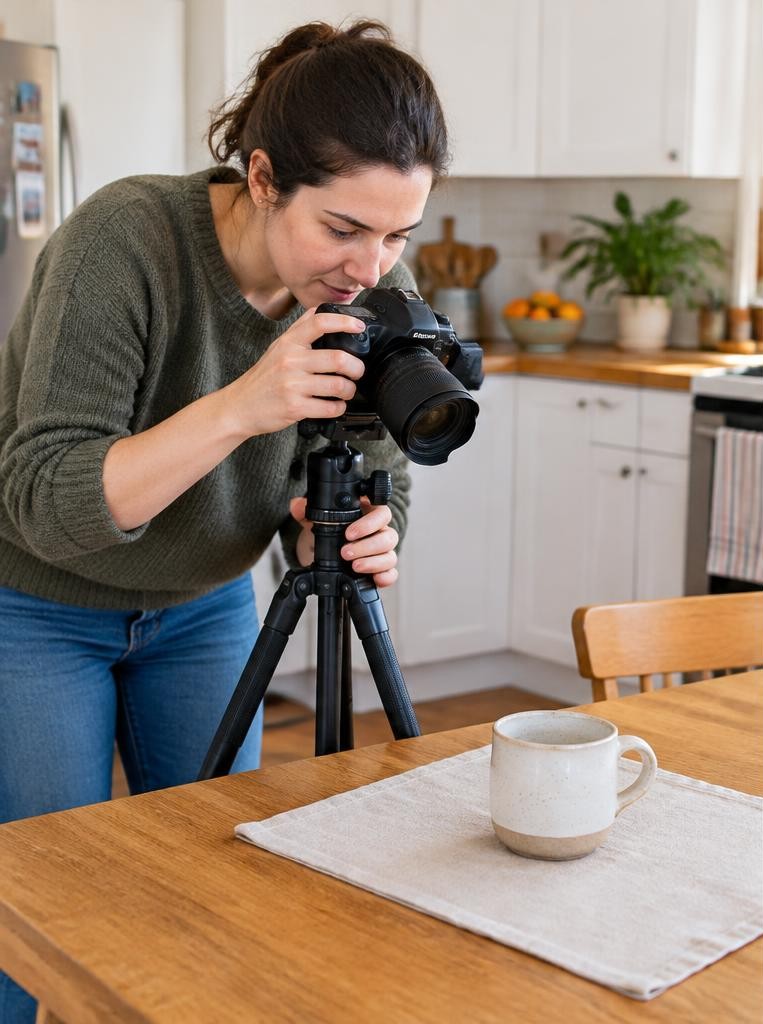

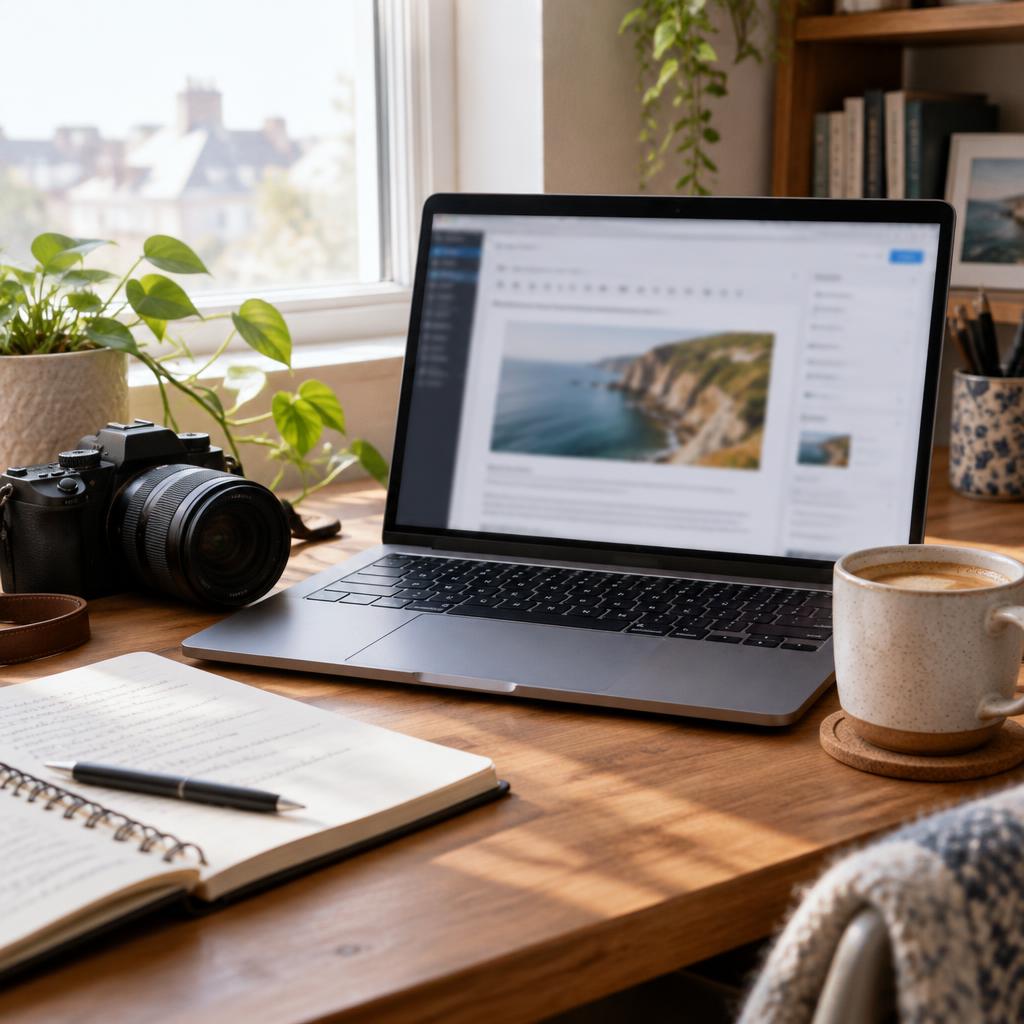
Pick a specific audience, register a domain, choose a publishing platform and launch with useful posts supported by your own photographs. Start with one strong article per week and a clear next step, such as booking a session or joining your email list. You do not need expensive design or hundreds of images to begin.
01Why blog in 2026?
A blog is a collection of articles on your website; a portfolio primarily showcases your photographs. Combining them lets you answer questions while showing the work behind your advice.
A custom domain and exportable content reduce dependence on one social feed.
Search traffic can compound when several useful articles keep attracting visitors, but that is a possibility, not an entitlement. Google says changes can take weeks or months to show effects and rankings are not guaranteed. [1](https://developers.google.com/search/docs/fundamentals/seo-starter-guide)
02Choose a niche with an audience and a purpose
Connect a subject, reader and outcome: “practical family-session planning for parents in Accra” or “budget food photography for independent cafés.” List ten questions that reader actually asks before committing.
If your goal is paid sessions, prioritise buyer questions rather than writing only for other photographers. If your goal is teaching, detailed technique articles may fit better.
A useful niche leaves room for 20 distinct articles without forcing you to repeat the same advice.
03Compare WordPress, Squarespace and Ghost
WordPress.org is open-source software, with hosting purchased separately; its hosting directory describes the external hosting model. It suits people wanting flexibility and willing to manage updates or pay someone to do so. [2](https://wordpress.org/hosting/)
Squarespace bundles hosting and site-building. Its pricing page displays Basic at US$19/month annually or $25 monthly: $228/year on annual billing.
Check your regional checkout. [3](https://www.squarespace.com/pricing)
Ghost(Pro) lists Starter at US$18/month billed yearly and Publisher at $29: $216 or $348 annually. Publisher adds custom themes and paid subscriptions.
Ghost suits publication-and-newsletter businesses. [4](https://ghost.org/pricing/)
04Budget for domain, hosting and renewals
A domain is your address; hosting stores and serves your website. For planning, allow US$10–25 yearly for a standard non-premium domain and $5–20 monthly for entry-level WordPress hosting.
These are budgeting allowances, not quoted offers; compare renewals, backups and tax.
Registries and extensions have different prices, so verify registration and renewal separately. [5](https://pricing.registrar.cloudflare.com/) Squarespace annual plans include an eligible domain for one year, then standard renewal charges apply. Avoid buying a second hosting package for an already hosted platform.
05Build the minimum useful site
Create Home, About, Blog, Portfolio and Contact pages. Add privacy information appropriate to your location and tools; email subscriptions and analytics may introduce consent obligations.
Test the enquiry form on a phone before announcing the launch.
Use a readable theme, HTTPS and reliable backups. Keep original image files offline, export content periodically and control your domain account.
Owning a domain does not eliminate platform risk, but it makes moving your publishing address easier than rebuilding a social audience.
06Ten starter post ideas
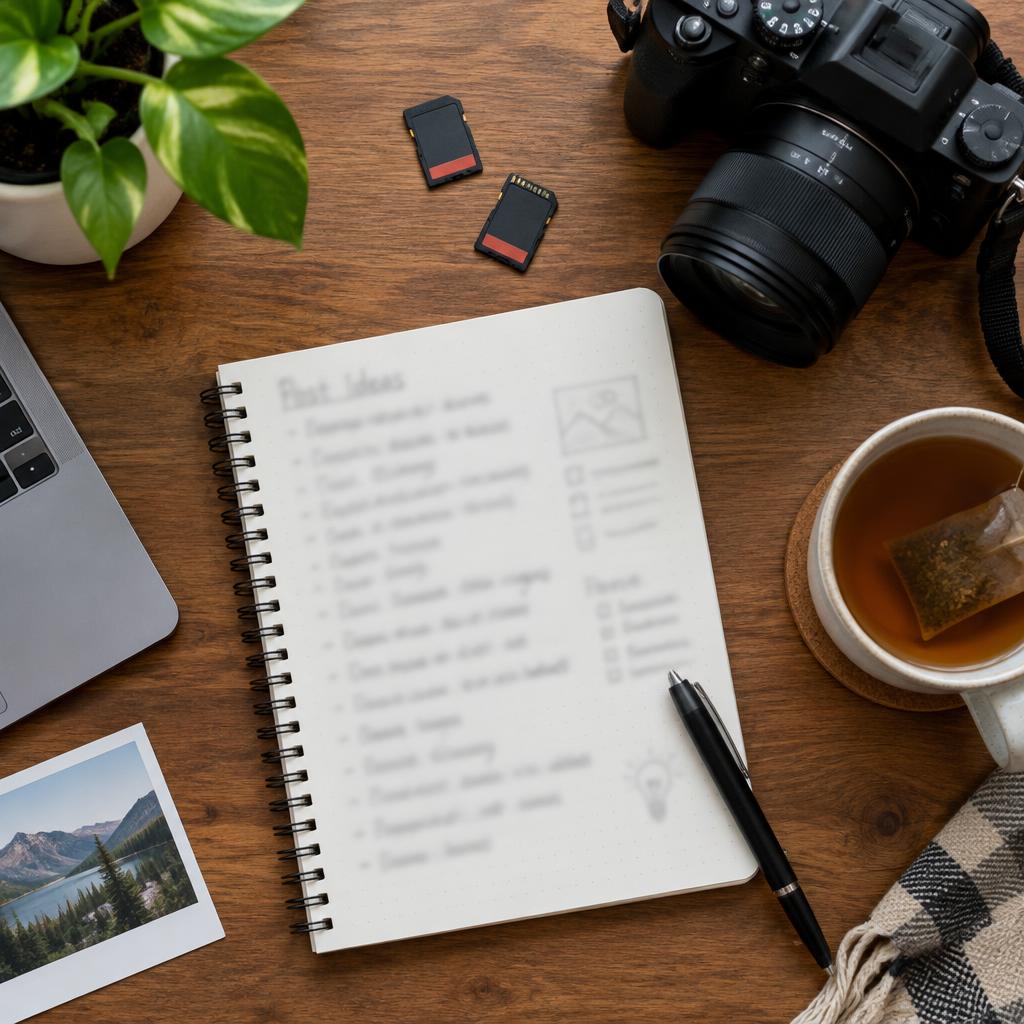
Adapt these to your audience: 1) What to wear for a family session; 2) Best local portrait locations; 3) Rainy-day session options; 4) How to prepare children; 5) What a session package includes.
Continue with: 6) A clearly labelled sample shoot breakdown; 7) Window-light portraits at home; 8) Choosing print sizes; 9) How delivery and image selection work; 10) Questions to ask before hiring a photographer.
Publish specific answers, not ten interchangeable galleries with different place names. Link related posts where the connection genuinely helps readers.
07Basic SEO without keyword stuffing
Give each post one main search intent, such as “what to wear for beach family photos.” Related phrases belong naturally in the answer; “one keyword” does not mean repeating an exact phrase or ignoring related questions.
Write a descriptive title, useful headings and a concise opening answer. Link to relevant pages.
Google recommends descriptive alt text that explains an image in context. “Family walking beside the sea at sunset” is useful; a string of location keywords is not. [1](https://developers.google.com/search/docs/fundamentals/seo-starter-guide)
08Prepare photographs for readers and loading speed
Export web copies rather than uploading full-resolution delivery files. A practical starting experiment is 1,600–2,000 pixels on the long edge, then compare visual quality and page speed on mobile.
There is no universal correct file size.
Use modern image formats where supported, meaningful filenames and responsive display. Avoid embedding important explanations only inside images.
Publish only photographs you have permission to use, and do not expose a client’s address or sensitive details while telling a shoot story.
Worked example
09Worked example: your first month
Assume a local portrait business with four hours weekly for blogging. Week one: launch the core pages and write a wardrobe guide.
Week two: publish a location guide with six original photographs. Week three: answer rainy-day questions.
Week four: explain the booking process.
Allocate two hours to writing, one to selecting and exporting photographs, and one to publishing and checking each week. Four articles in 16 hours is an illustrative workload, not a productivity requirement.
Every post should link to the appropriate service or enquiry page.
10How a photography blog makes money
Services are often the most direct route: a useful guide leads to an enquiry. Prints and digital products can fit an audience interested in your work.
Affiliates earn commission on eligible purchases; clearly disclose commercial relationships and check relevant local rules.
Display advertising usually needs meaningful traffic to become useful income and can clutter a small portfolio. Illustrative economics: one €250 session minus €100 delivery costs leaves €150 before tax and other overhead.
That is not equivalent to €250 profit or proof blogging caused the booking.
11Illustration: a blog’s first year
Imagine Ana publishing twice monthly: 24 posts after one year. Her early articles receive little attention, so she improves their answers and shares them with relevant contacts.
Later, an enquiry mentions the wardrobe guide.
This fictional story illustrates a way blogging can support sales, not a traffic forecast. Ana asks how clients found her, tracks costs and preserves useful articles.
She does not assume every visitor is a customer or claim that consistent publishing guarantees search growth.
12Blog versus social-only: choose the job
Choose a blog when you need durable explanations, a central portfolio and a searchable reference library. Choose social content for quick conversations, community discovery and visual updates.
A small blog plus one social channel is often more manageable than maintaining every platform.
Repurpose one article into a carousel and a short video, linking back when appropriate. Keep an exportable, permission-based mailing list if it suits your business.
Do not describe any platform as an audience or revenue source you can fully control.
FAQ
13No traffic after three months? FAQ and checklist
First check whether pages are public, indexable and linked internally. Use Search Console to distinguish missing indexing from impressions without clicks. Google separates crawling, indexing and serving results, and guarantees none of them. [6](https://developers.google.com/search/docs/fundamentals/how-search-works)
Do I need coding? No, hosted builders can handle setup. How often should I publish? Start weekly or fortnightly. Must every post be long? No: answer the question completely.
This week, choose one reader question, publish one useful answer, test its mobile images and contact link, and record impressions and enquiries without expecting immediate rankings.
Sources & further reading
These references support the technical explanations. Exercises and starting settings are illustrative and should be adapted to your equipment and conditions.
- Google: SEO starter guide
- WordPress: hosting
- Squarespace: pricing
- Ghost: pricing
- Cloudflare: domain prices
- Google: how Search works
Free resources from LensSuite
Was this guide helpful?